.jpg)
Please start creating a pixel by going to your Facebook Business Manager (also called the Meta Business Suite) > Head over to the left and then the Events Manager tab.
Ensure you are connected to the correct Ad Account with all the required Access to that FB Page.

Head over to the left sidebar and then click on Connect Data Sources

Choose Web in the options that show up, and then hit Connect.

If you already have pixels, it will ask you to choose between them or create a new pixel. Click on Create new Pixel or Use an existing pixel from the list for collecting the data. Click Continue when the pixel details are added.


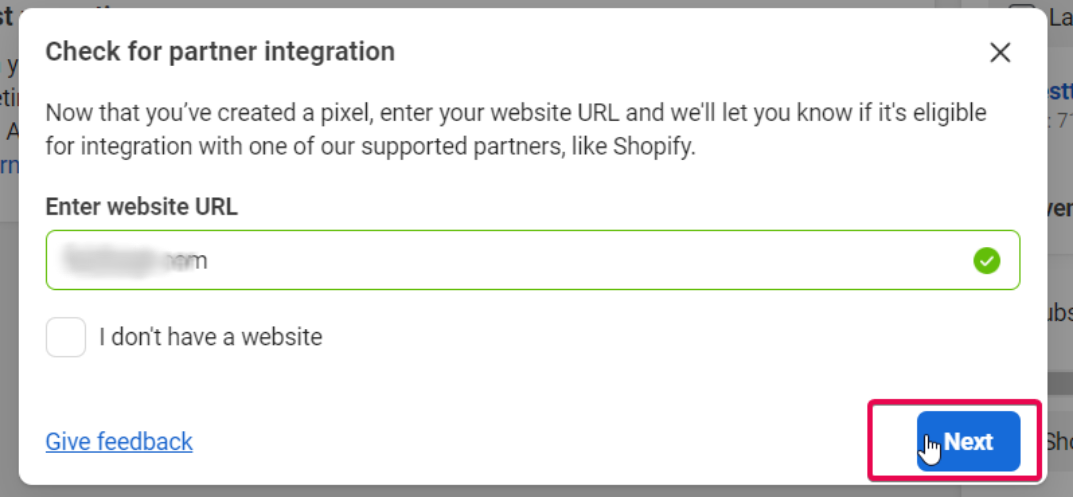
It will then ask you to provide the URL of the CRM's website/funnel where you will add your pixel code.

Please add in the domain of the funnel/website where you will later add in the pixel code and then click on Check.
If your domain is eligible for this process, then you will see a green checkmark in the domain field., you
Once you see the green checkmark, click on the Next button that appears instead of the Check button.
Choose the first option, Conversions API and Meta Pixel.
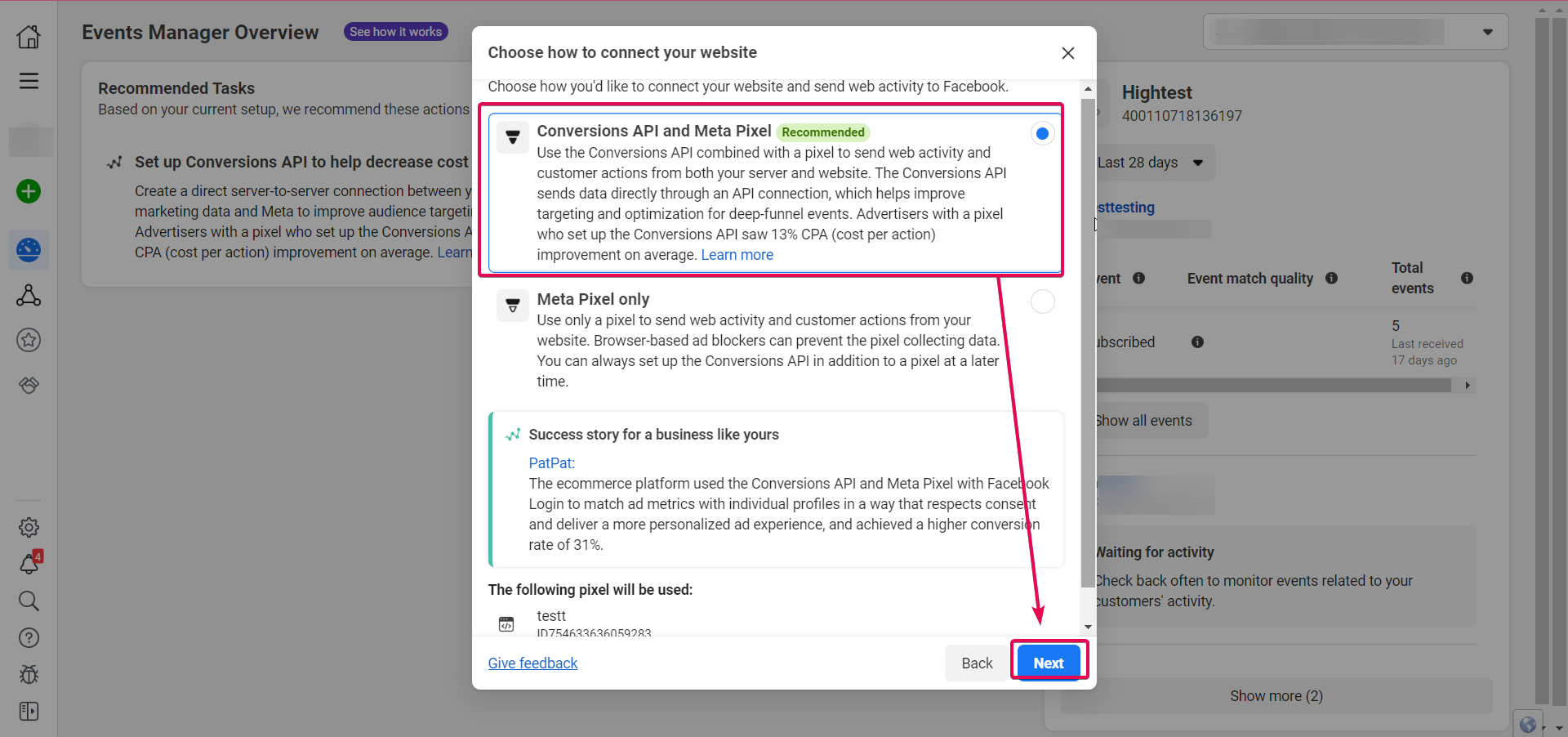
Set up Conversions API to connect website activity.
Choose
Set up Manually.